Portfolio

The professional portfolio for Daniel Carrington. Featuring projects that demonstrate committment to intuitive, engaging, and impactful learning experiences.

Leadership Course 6

Create instructor-led training to improve Time Management and Delegation skills for Supervisors and Managers.

Team Engagement Activity Series

Stakeholder committee identified six communication topics for re-training through leader-to-leader peer learning.

Casino Table Game Quizzes

Simple PowerPoint style quizzes needed to be updated to fully-functioning SCORM packages for migration to a new LMS.

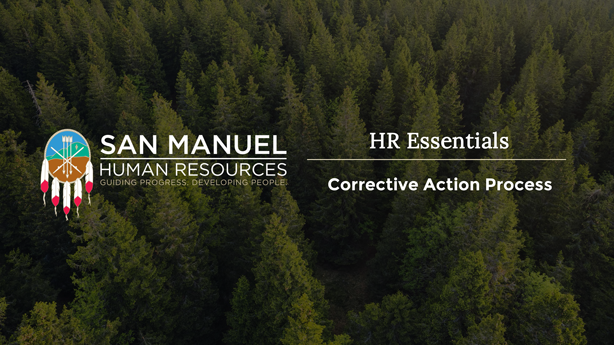
Corrective Action Process Training

Create an instructor-led training for HR Professionals and Leaders to align on an established corrective action process.

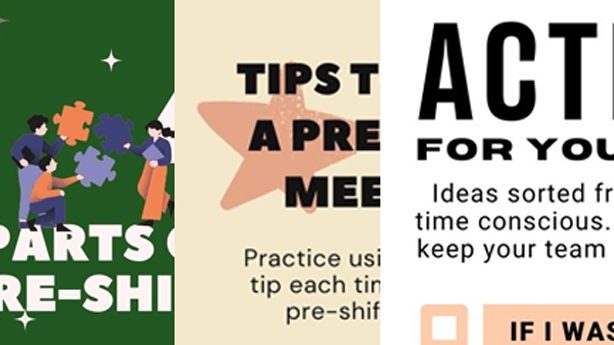
Pre-Shift Infographics

Create three infographics for Supervisors to improve communication, professionalism, and engagement during Pre-Shift Meetings.

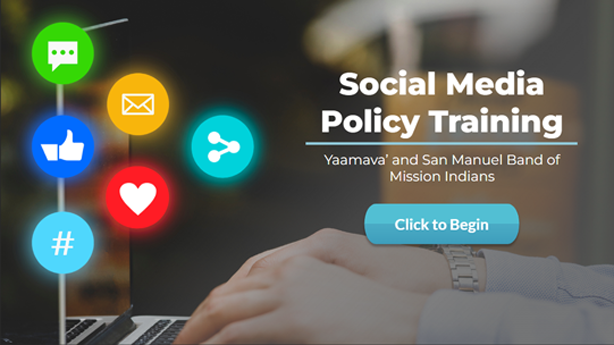
Social Media Policy Course

Create an e-learning presentation and quiz that supports the rollout of an updated, entrprise-wide Social Media policy.

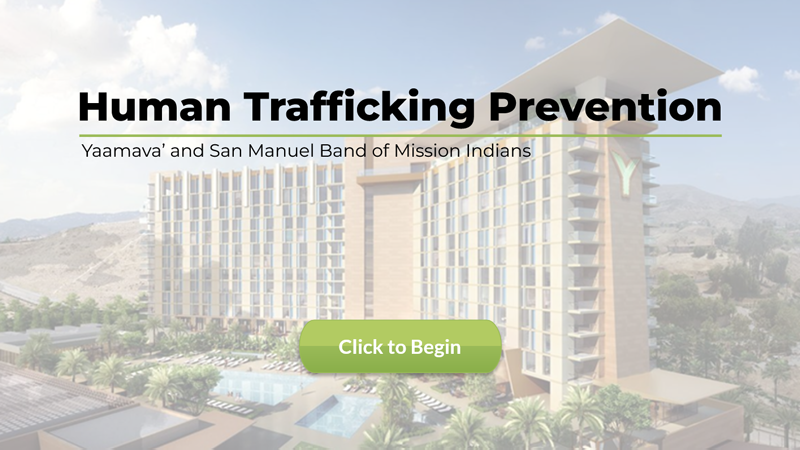
Human Trafficking Course

Work with SMEs to create a compliance e-learning course to support state and enterprise human trafficking prevention efforts.

Career Pathing Workshop

Create an instructor-led training to support team member retention and development through promotions and role changes.

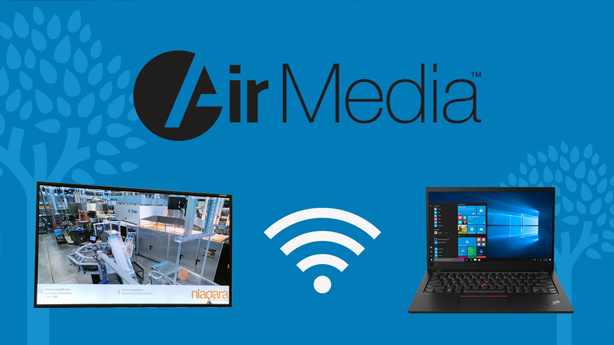
AirMedia Video

Create a video job aid describing how to wirelessly connect to meeting room monitors using AirMedia software as part of a larger IT initiative.

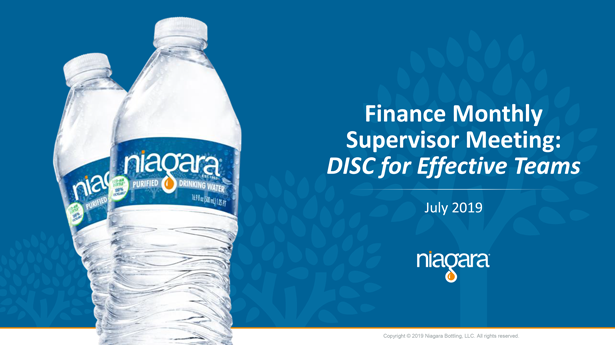
Supervisor Development

Use existing materials and internal SMEs to create Manager-led 1-hour trainings to upskill supervisors on two professional teams.

Leadership Course "6" — January 2025

For this project, I was provided the main topics (Time Management and Delegation) by stakeholders. Learning Objectives were approved before I began on the course outline, which I developed into a full suite of materials. Activities and most graphics were made specifically for this course.
Word, PowerPoint, and InDesign

Team Engagement Activity Series — Fall 2024

Based on the results of an enterprise-wide employee survey, a stakeholder committee determined six communication topics to push to directors and above through an event series. Two sessions from the series needed to be adapted so they could be facilitated by directors and other leaders. For scaleability purposes, leaders were to train their leader direct reports (i.e.: Managers to train their Supervisors; etc.). Training materials needed to be prepared by managers across the enterprise themselves without the support of L&D.
It was important to me that the activities were engaging and fun, and the guide easy for a non-facilitator for follow.
Word, PowerPoint, and InDesign

Casino Table Game Quizzes — Fall 2024

Department SMEs made and used simple PowerPoint decks as quizzes in an old LMS. I was provided updated versions of PowerPoint quizzes, and tasked to turn them into fully-functioning SCORM quizzes for use in the new LMS.
I used this as an opportunity to improve interactivity for the quizzes and push my own skills in Storyline. For example, it was important to me that the tables looked like the ones we use; the customer appreciated that detail.
All graphics were created by me for the purpose of this project.
Storyline, Illustrator, and Photoshop

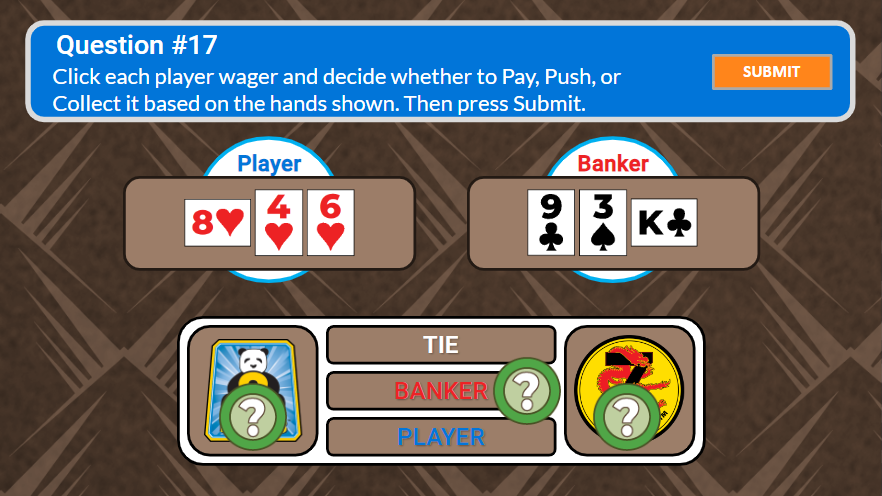
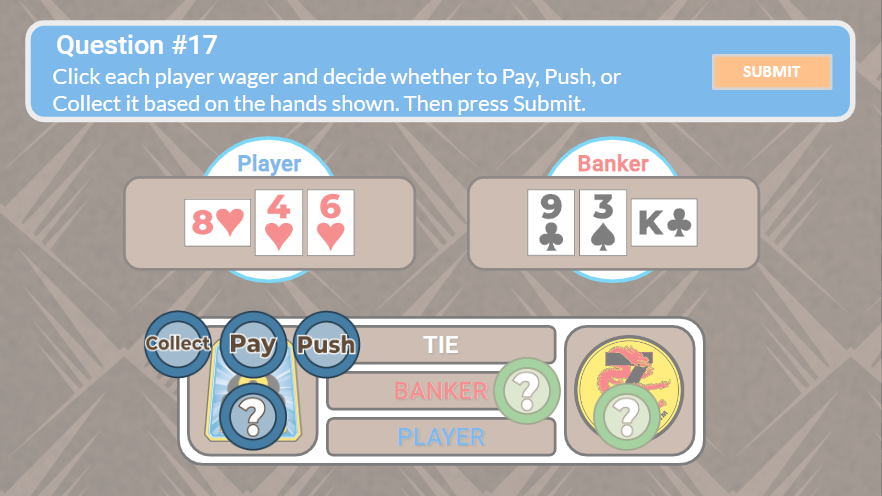
Baccarat Payout Question 1 - Unanswered

Learner must click each bet and select the proper action.
Baccarat Payout Menu 1

The menu for the first bet.
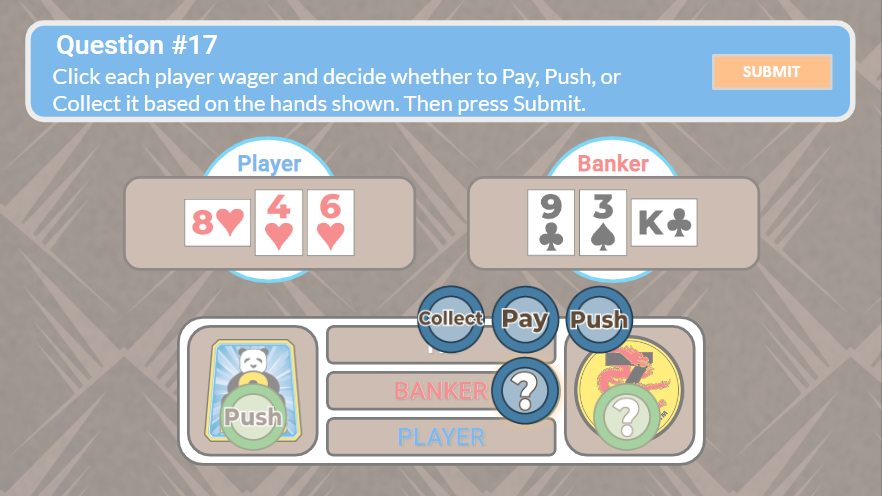
Baccarat Payout Menu 2

The menu for the second bet.
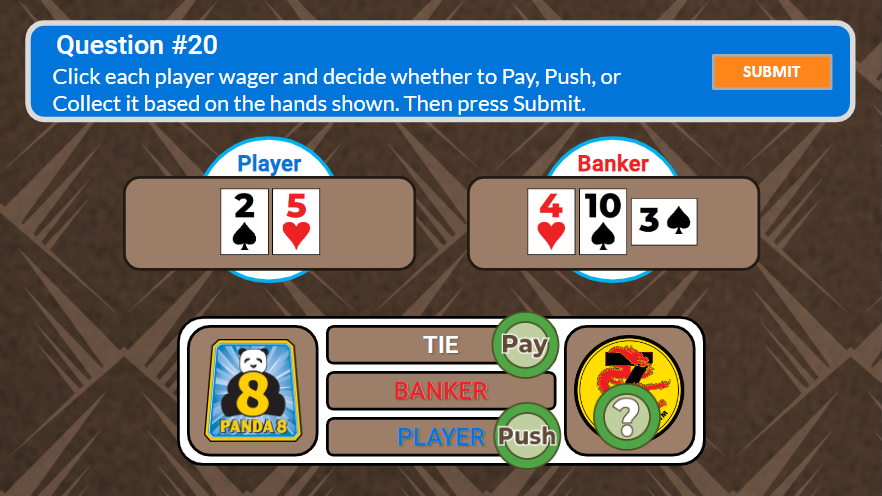
Baccarat Payout Question 2 - Answered

A different payout question with answers.
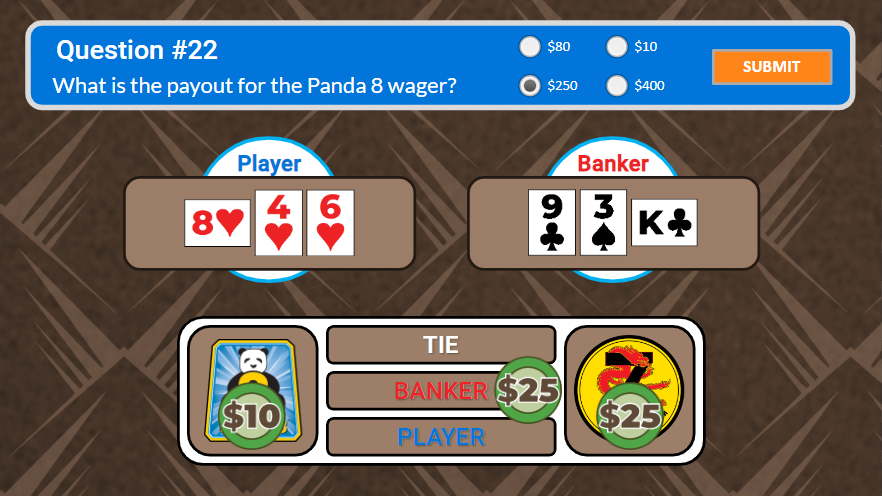
Baccarat Payout Question 3

Multiple choice question about wager payout amounts.
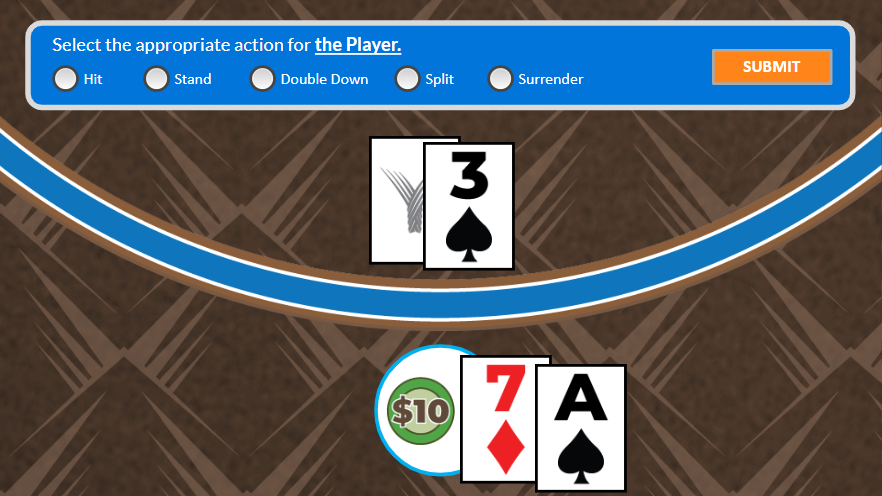
Blackjack Question

It was important to me that the tables looked like the ones we used. Reviewers appreciated the thoughtful detail.

Poker Question 1

Multiple choice question for Texas Hold'em poker.
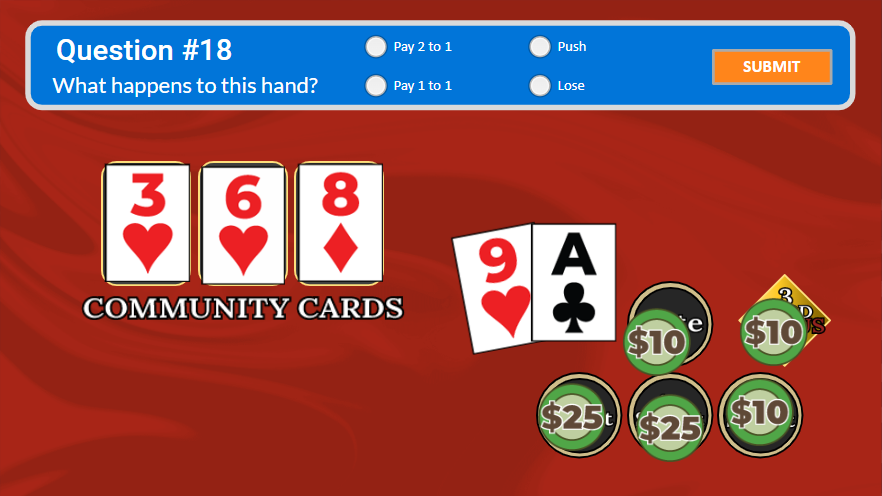
Poker Question 2

Small details, like variations in chip and card placement, are different for each question.

Poker Question 3

Multiple choice question for Mississippi Stud poker.
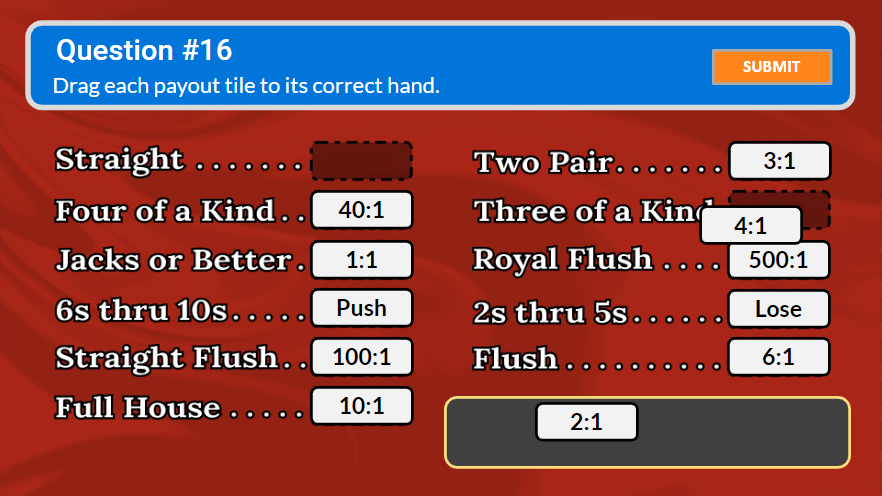
Randomized Drag-and-Drop

To force engagement, there were four versions of this question with the order of hands different for each.
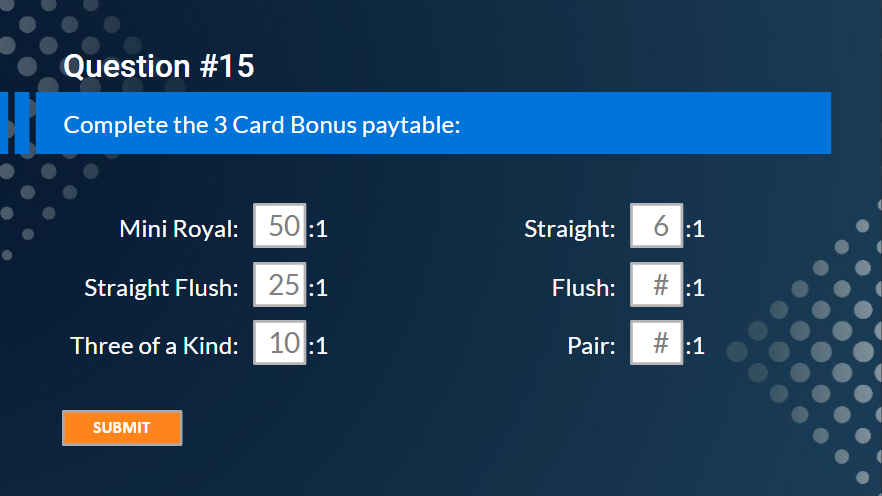
Fill Blanks

Having more than one Blank is not standard in Storyline. Scripts were used to make this work.
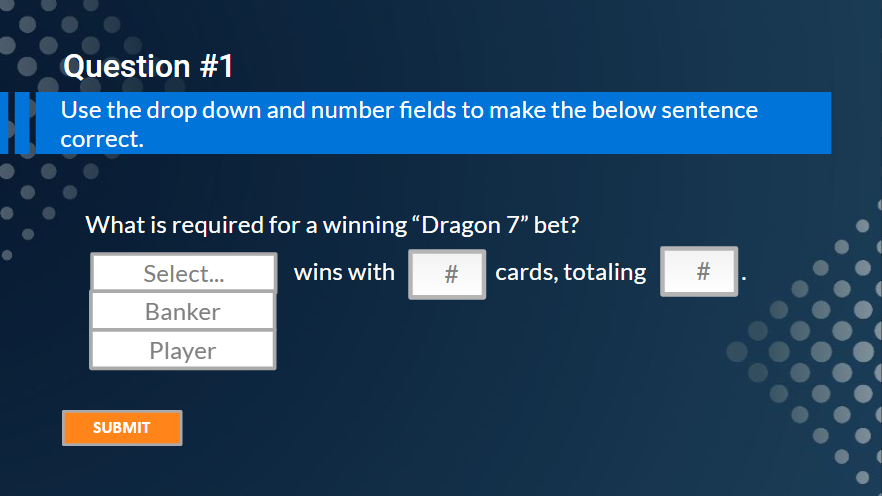
Complex Question

Having more than one type of question on a slide is not standard in Storyline. Scripts were used to make Drop-Down and Blanks work together.
Corrective Action Process Training — July 2024

Stakeholders identified misalignment within HR and leaders across the enterprise in the implementation of a standard corrective action process. Developed with heavy reliance on SMEs, the course is partly facilitated by HR Professionals outside of the L&D function.
Word, PowerPoint, and InDesign

Social Media Policy Training — January 2024

I created the script and PowerPoint for this project based on the policy, with additions that made it instructionally sound. The voiceover was AI generated by Murph.ai from a script I wrote. It was important to stakeholders that the activity be engaging, and we brainstormed the idea of reviewing mock posts. I used Canva for some backgrounds and graphics.
Storyline, Photoshop, Murph.ai, and Canva

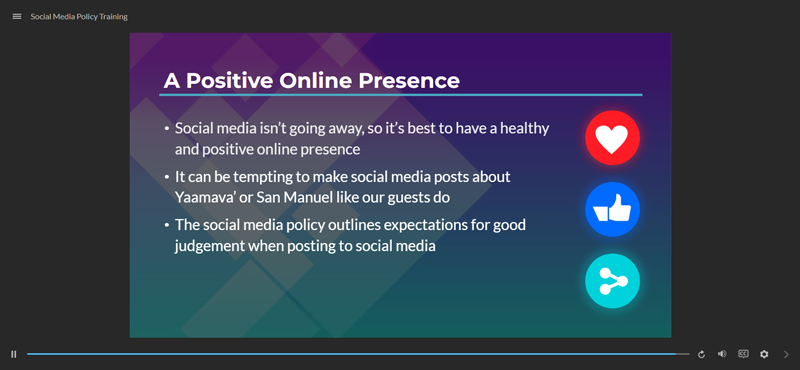
Purpose Slide

It was important to me that we overexplained the reason the policy is mutually benificial.

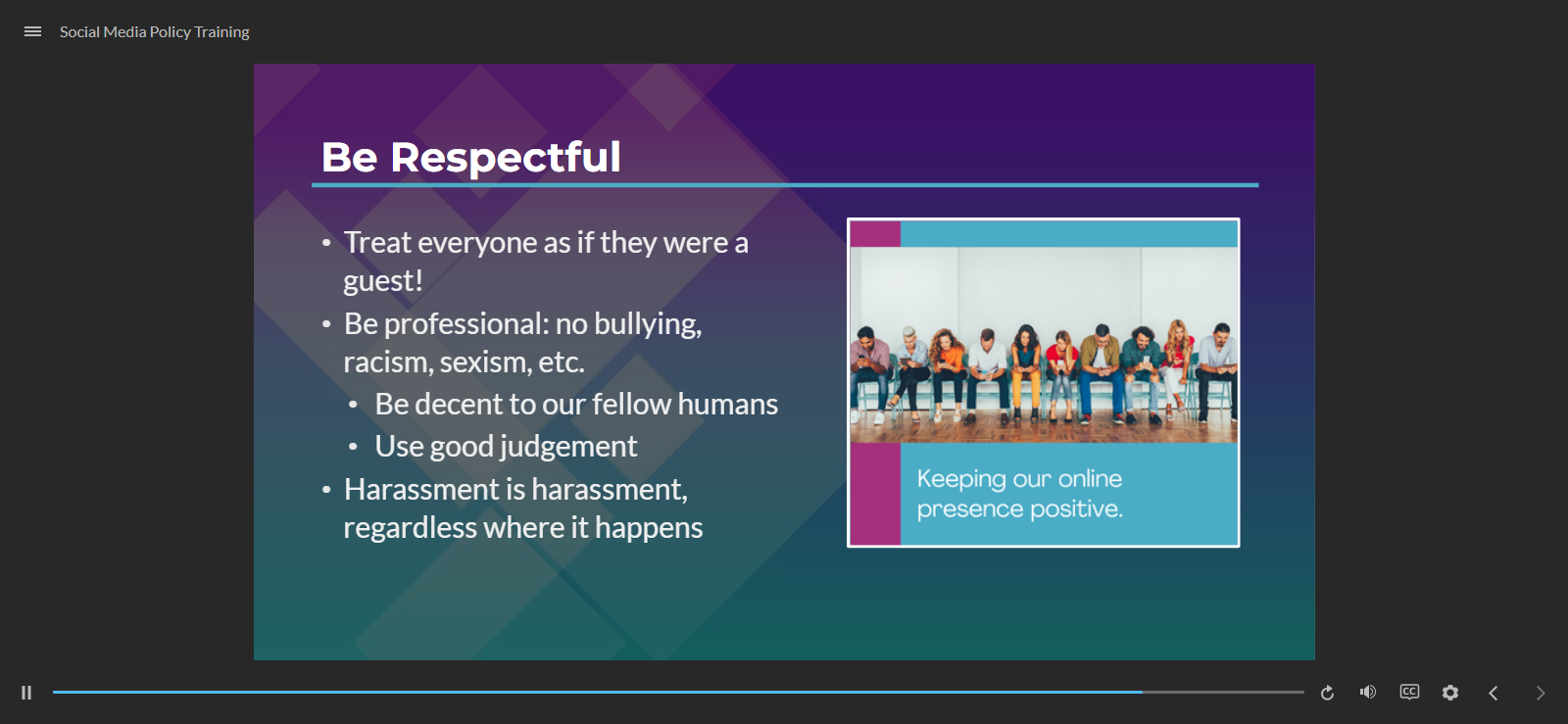
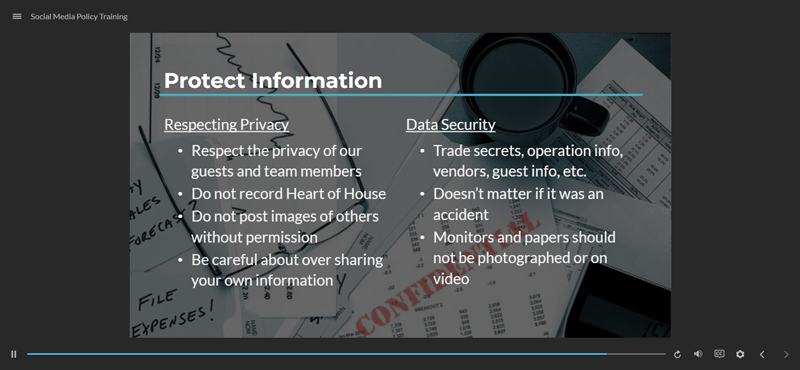
Policy Slide 1

One of the slides that breaks down the policy.

Policy Slide 2

Another slide that described the policy, there were six slides like these.

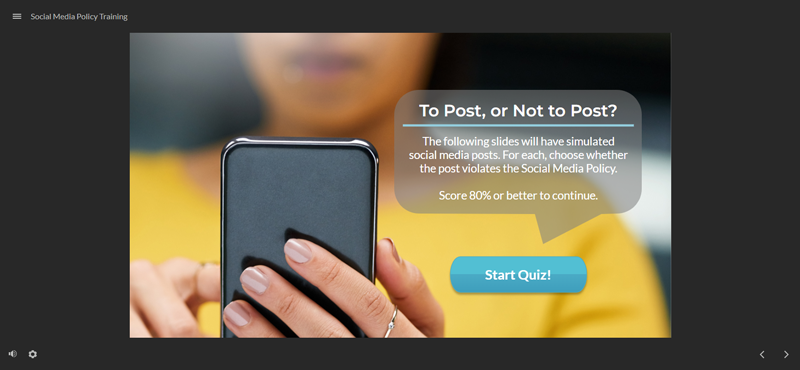
Start Quiz Slide

Practice reviewing mock social media posts for whether they break the policy.

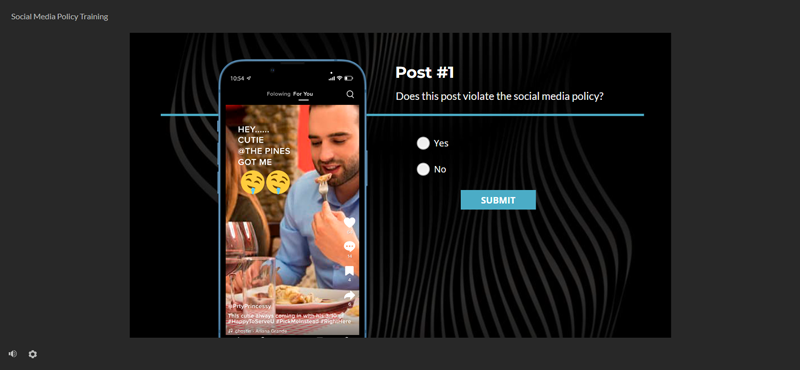
Post #1 (Quiz Question)

One of the mock posts that broke policy.

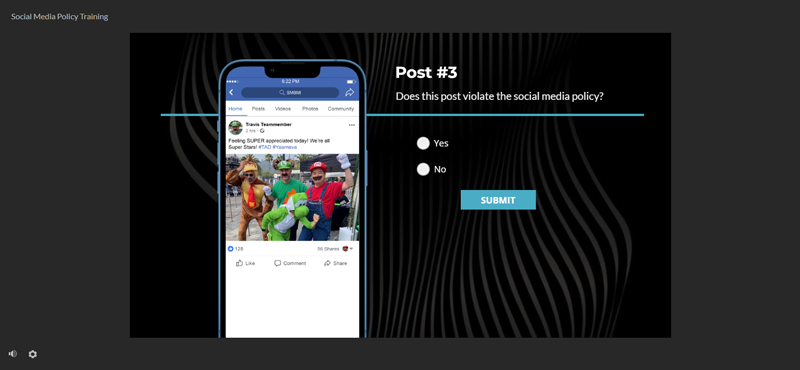
Post #3 (Quiz Question)

One of the mock posts that did not break policy.

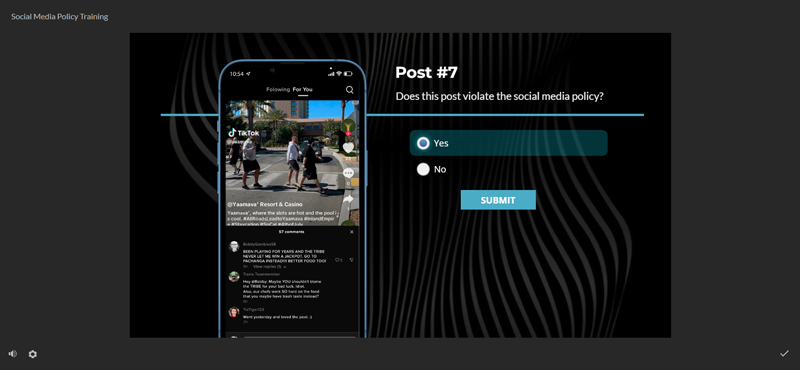
Post #7 (Quiz Question)

Another mock post that broke policy.

Human Trafficking Course — August 2023

I updated the enterprise Human Trafficking Prevention course to a cleaner look, updated script and visuals to be current, and added two SME videos to the course. The SMEs for this course were former law enforcement that were very passionate about this topic; I reviewed their own scripts for a 2-3 minute segment that would give the course emotional weight. I recorded and edited the videos using enterprise equipment. Canva was used for a few backgrounds and graphics. AI was used for the voiceover only and did not generate any other content.
Storyline, Photoshop, Premiere Pro, Murph.ai (voice), and Canva.

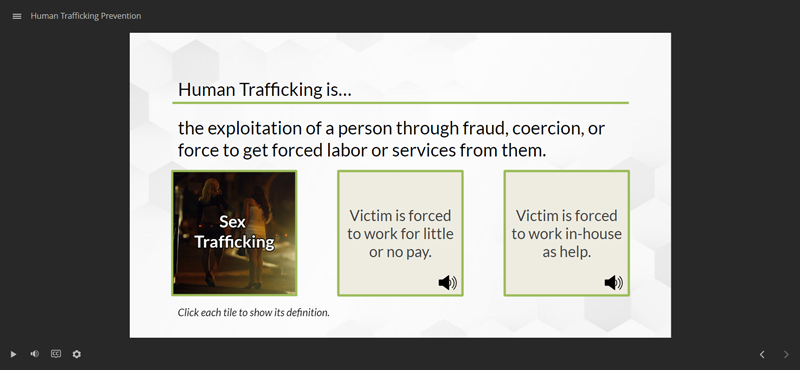
Flippable Tiles

Learner must click each tile to learn the definition for each term. Optional voiceover can be played after the tile is flipped.

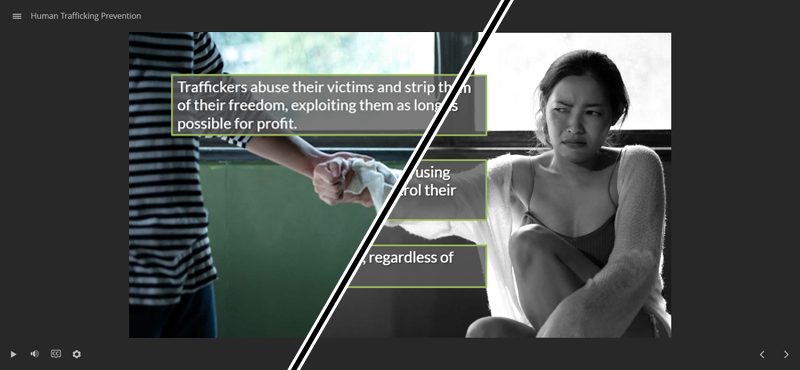
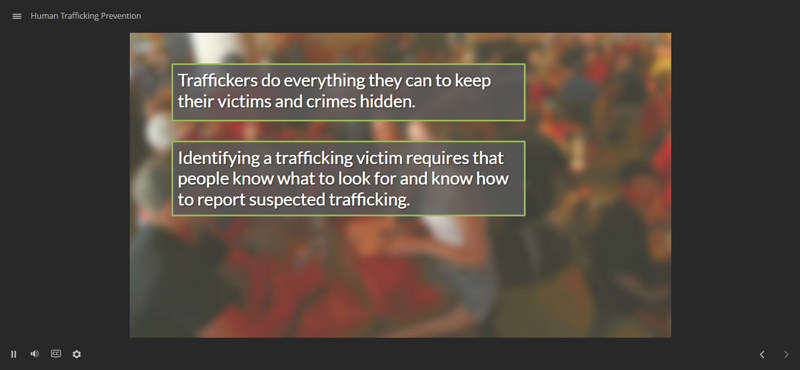
Background Image "Cinematic Effect" 1

I used the GreenSock animation library to easily add a pan, zoom, and desaturate effect to the background of this slide, animating it using a custom script as the voiceover plays.

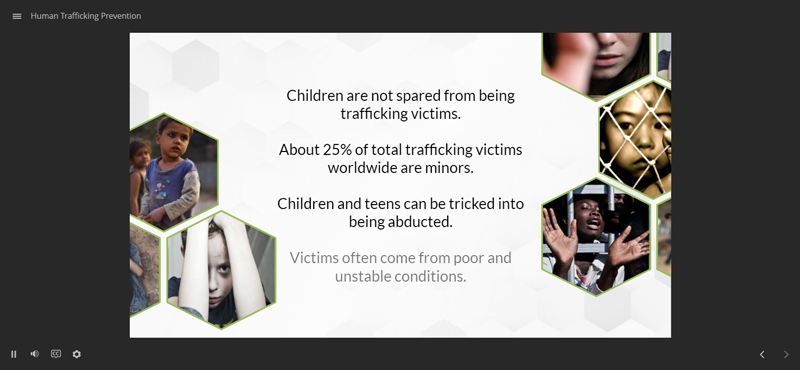
Animated Information Slide

Stylistic choice to have stock images of children slowly animate in as the voiceover plays.

Background Image "Cinematic Effect" 2

Another instance where I used pan and zoom animations on the background via custom script. This was an easy way to make animations for longer stretches of voiceover that didn't add more MP4 video to the course.

Knowledge Check Question

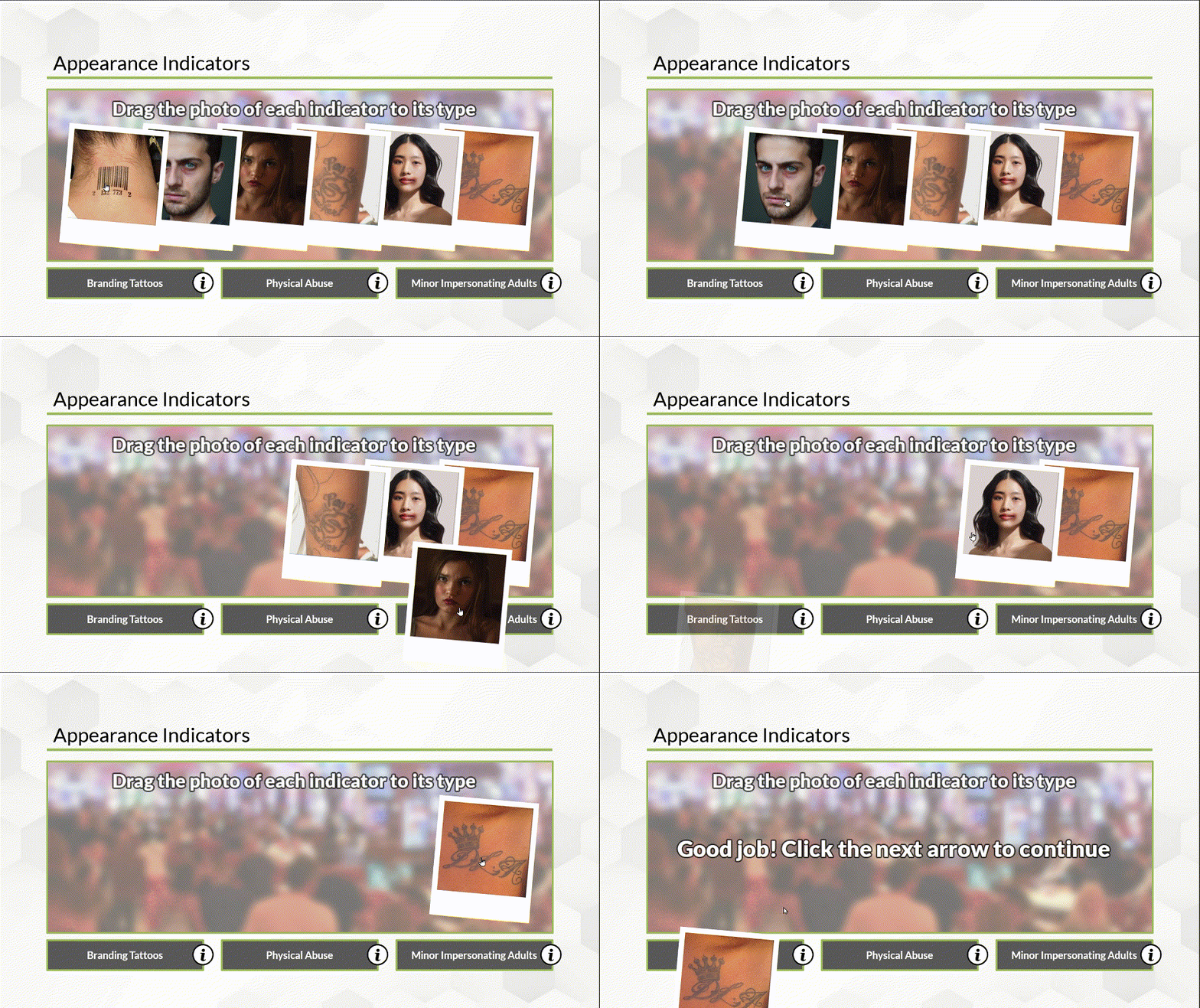
Learners are required to drop each photo of the type of possible trafficking indicator it represents to demonstrate understanding.

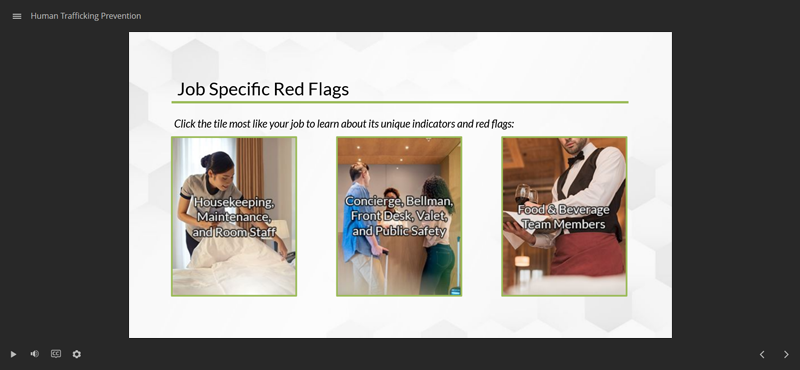
Branching Instruction

Learners indicate their role and are taken to one of three slides that give best practices to prevent trafficking that are specific to them.

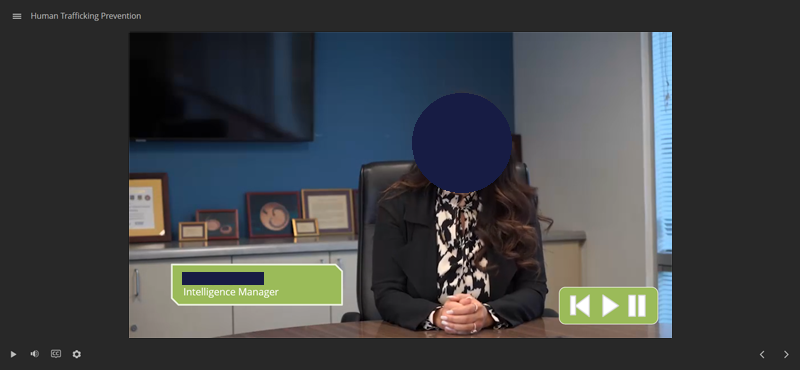
SME Video

The two SME videos add emotional weight to the topic to encourage following of the training. Our SME's face is covered for their privacy.

Career Pathing Workshop — October 2021

Using a provided outline and SMEs to create a training to equip HR Professionals to advise leaders on team member development. The templates used were standard for the department at the time.
Word, PowerPoint, and InDesign

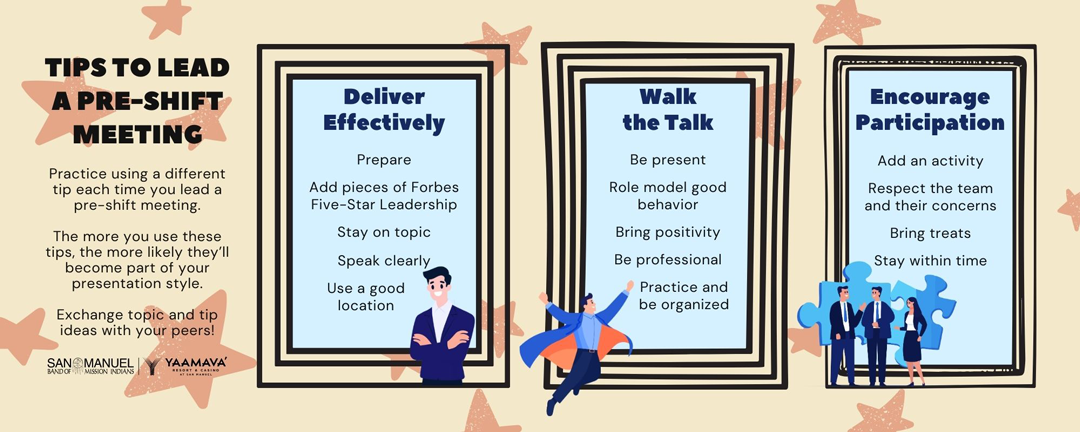
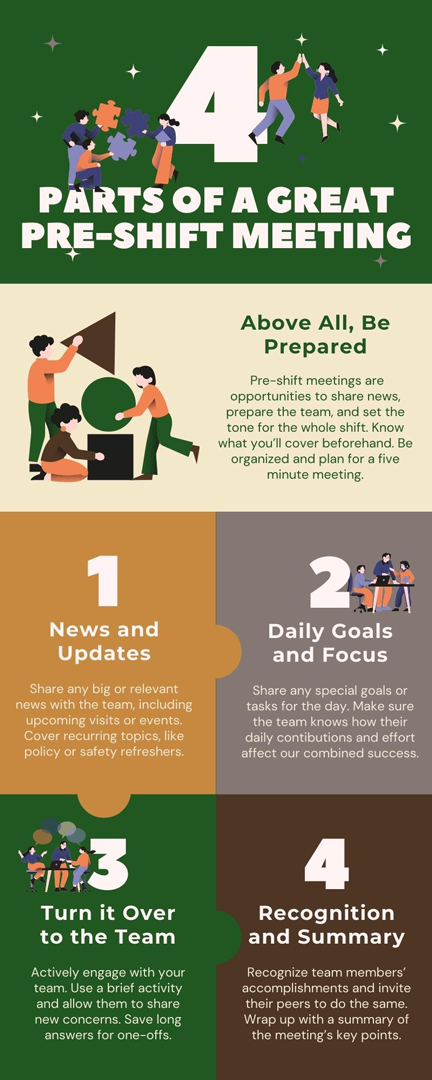
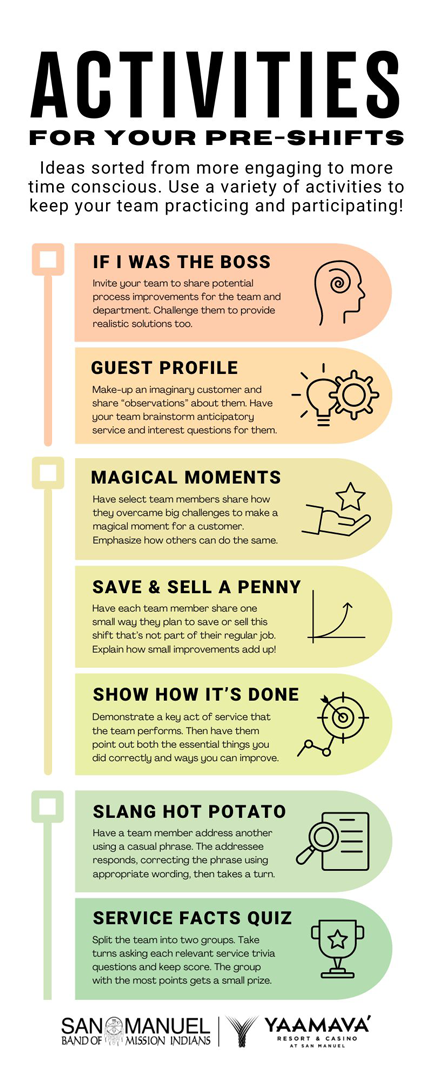
Pre-Shift Meeting Infographics — February 2024

All content was created by me, with guidance and approval of SMEs and the requesing committee. Graphics, images, and layouts (i.e. template) were all provided by Canva, with minor changes and color corrections done in Illustrator and Photoshop.
Canva, Illustrator, and Photoshop

Tips to Lead a Pre-Shift

Ways supervisors should conduct themselves during a Pre-Shift.

4 Parts of a Pre-Shift

Information to make Pre-Shifts complete.

Activities for your Pre-Shifts

Ways for supervisors to improve team engagement during Pre-Shifts without materials. A mix of established activities and ones I added.

AirMedia Video Job Aid — Summer 2019

In this project, I wrote the script, recorded and edited the audio, and produced the visuals for this video.
Premiere Pro, Audacity, and PowerPoint

Supervisor Development — Summer 2019

Using a provided outline and SMEs to create a training to equip HR Professionals to advise leaders on team member development. The templates used were standard for the department at the time.
Word, PowerPoint, and InDesign


(C) 2025 Daniel Carrington